Back

THUAS Connect

Student app for The Hague University of Applied Sciences

Role
Lead designer
With
Arina Jevsejeva
Agency
Websloth
Years
2023 – 2024

Brief

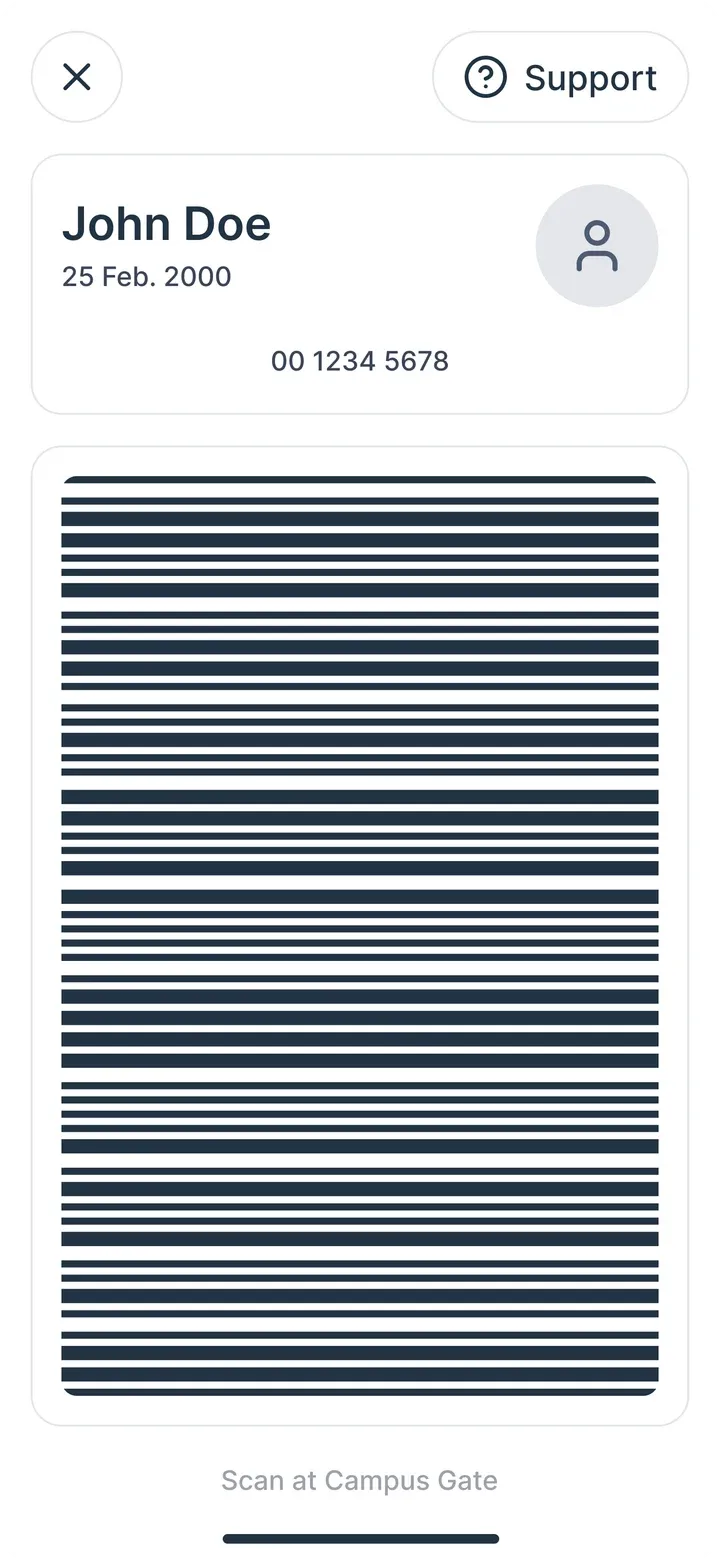
One app for a student's day: classes, grades, events and group chats. The student card is a barcode, one tap away on every screen.

Design system

I started with the design system. It grew from the university's brand guide, which was made for print, so I adapted its colors, type and spacing for touch screens.

For simplicity, I took Base, Uber's design system, as a model. Color, type, spacing and radius are tokens, each mapped to a Tailwind value, so developers can build from them directly.
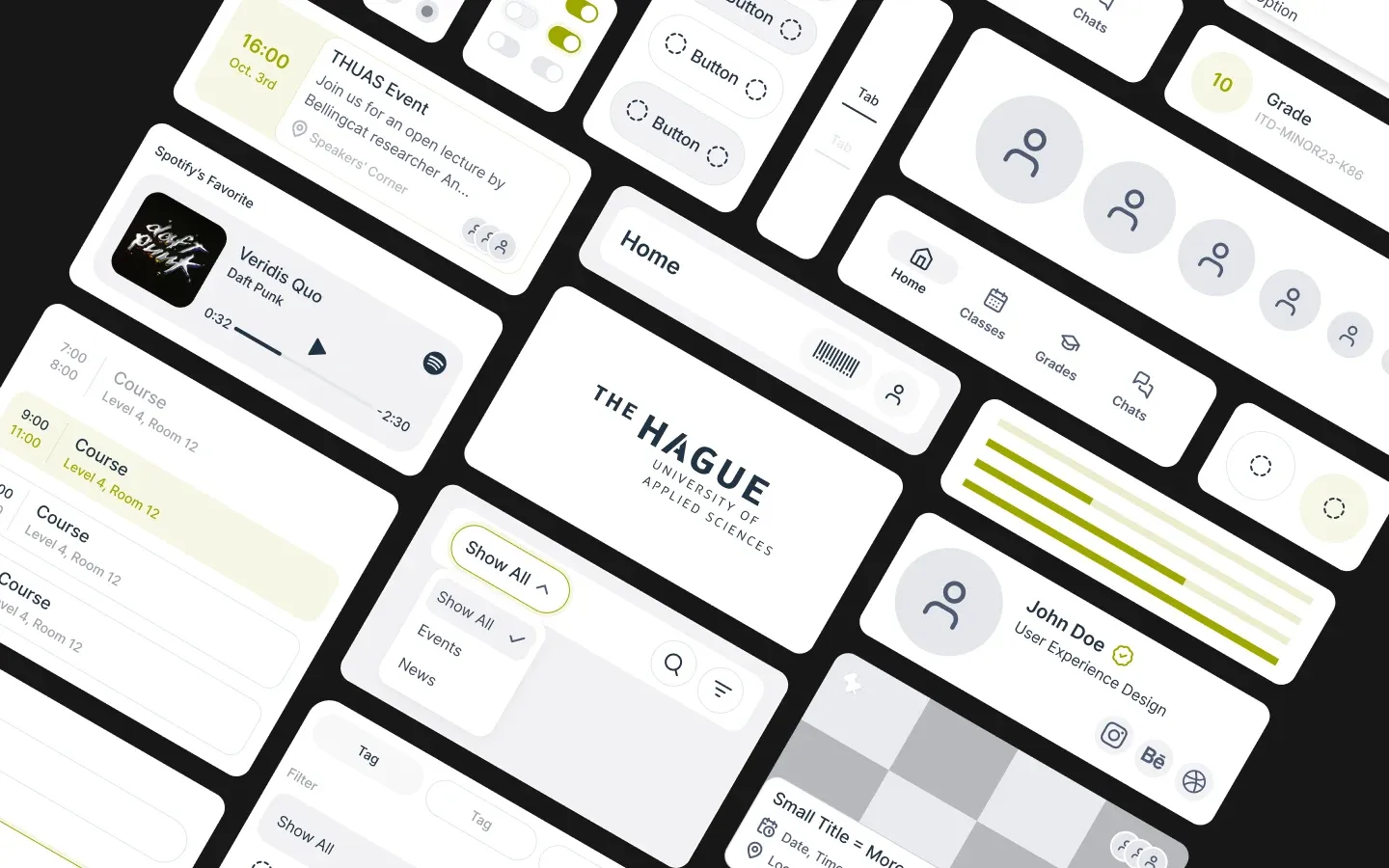
Parts of the design system: event cards, schedule rows, buttons, tabs, the navigation bar, a profile card and the university logo.
Components, built from the tokens.

Lo-fi

Wireframes let us test the flows fast. I iterated on them with Arina until the order of each screen felt right.

Wireframes of the main screens, in grey blocks.
Layout and order, no color.

Hi-fi

Hi-fi came fast, because every component was built from the system's primitives and atoms. The final prototype has more than 50 screens. Five of its flows follow.
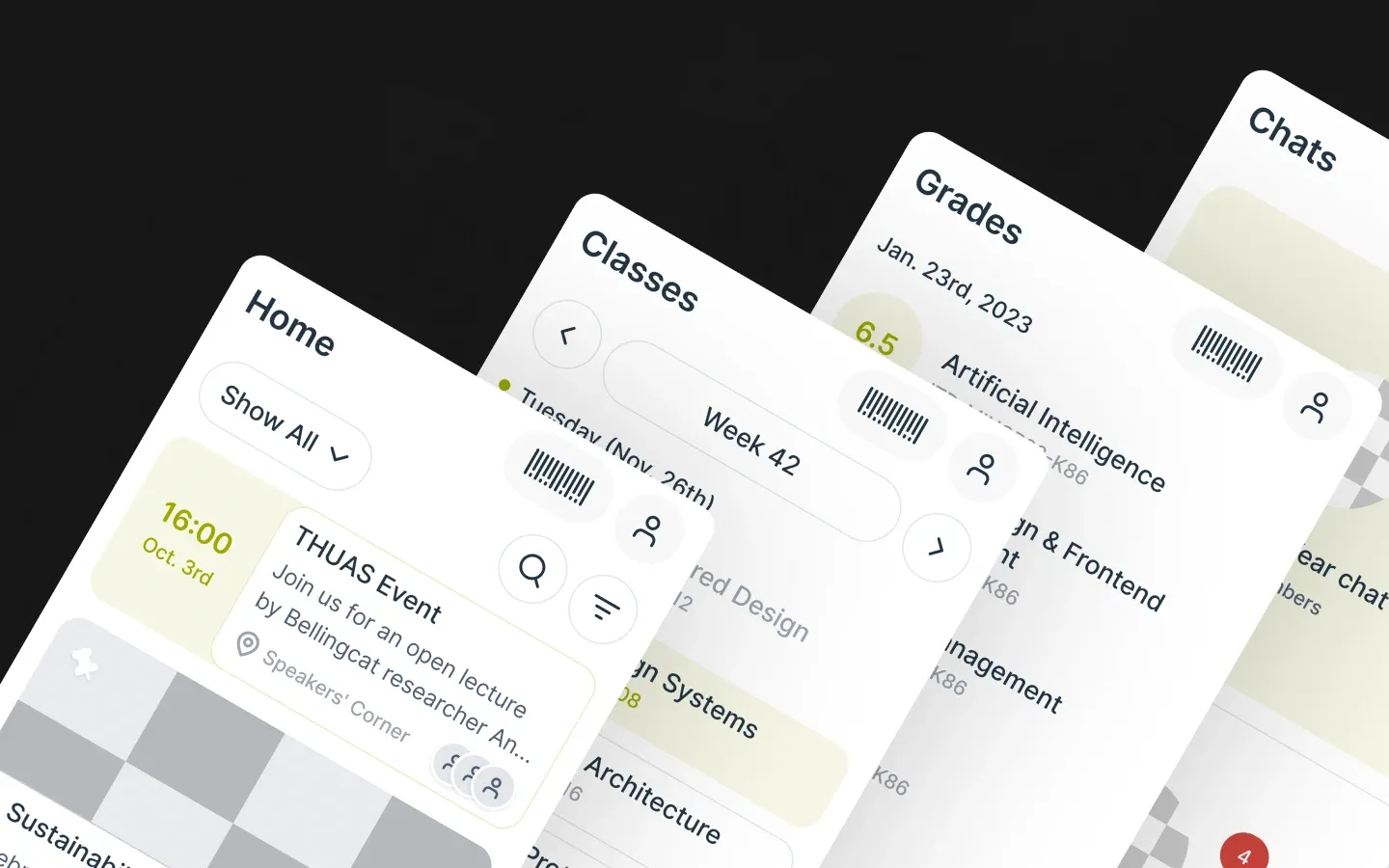
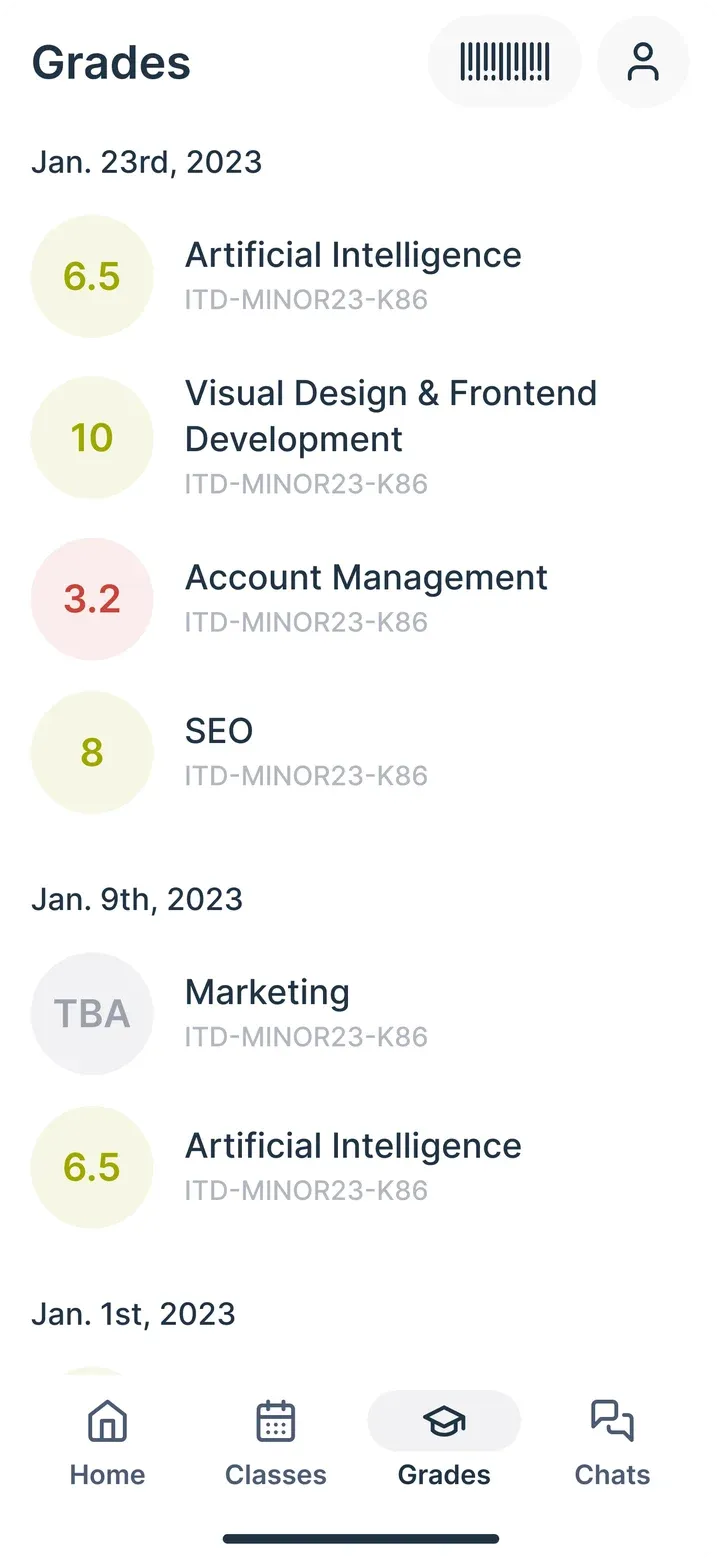
Four screens: Home, Classes, Grades and Chats.
Home, classes, grades and chats.

Onboarding

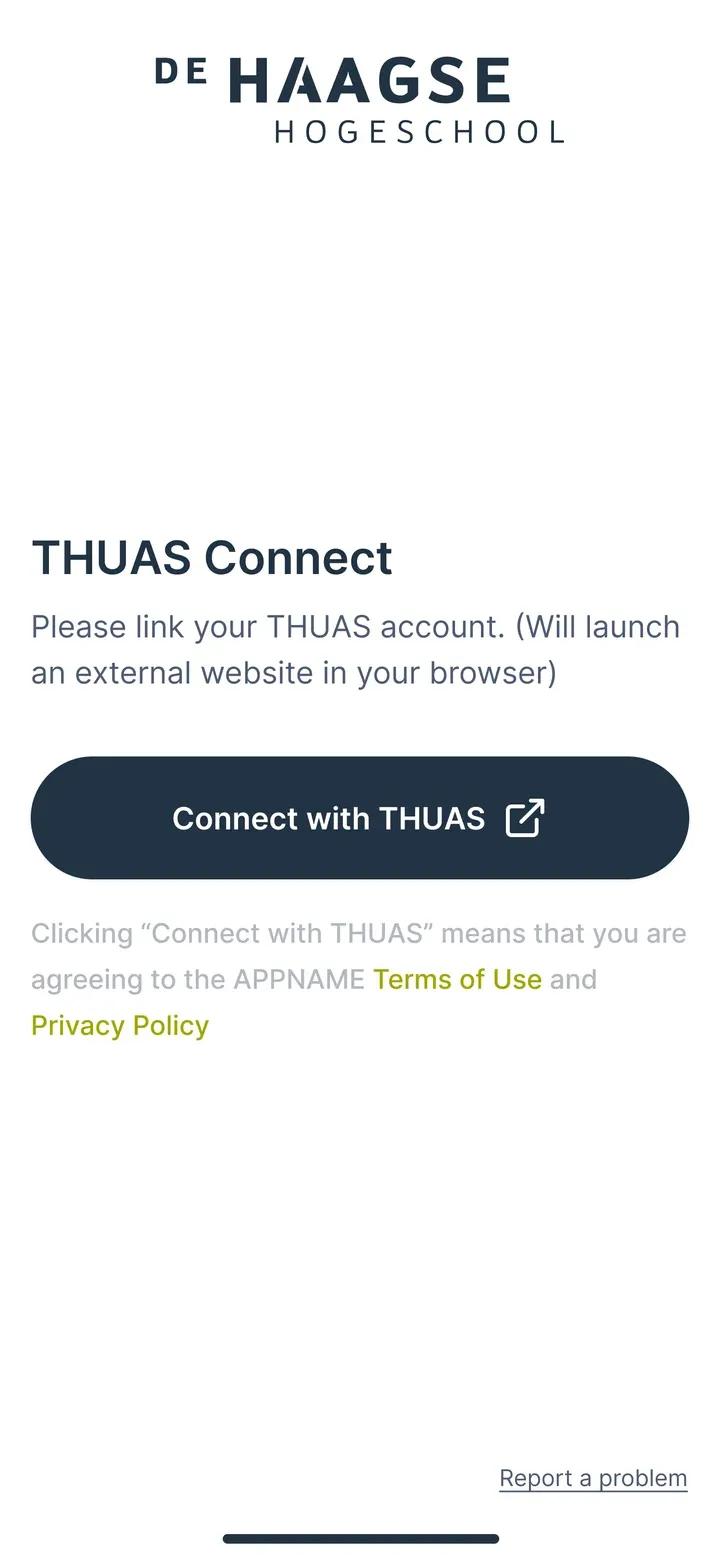
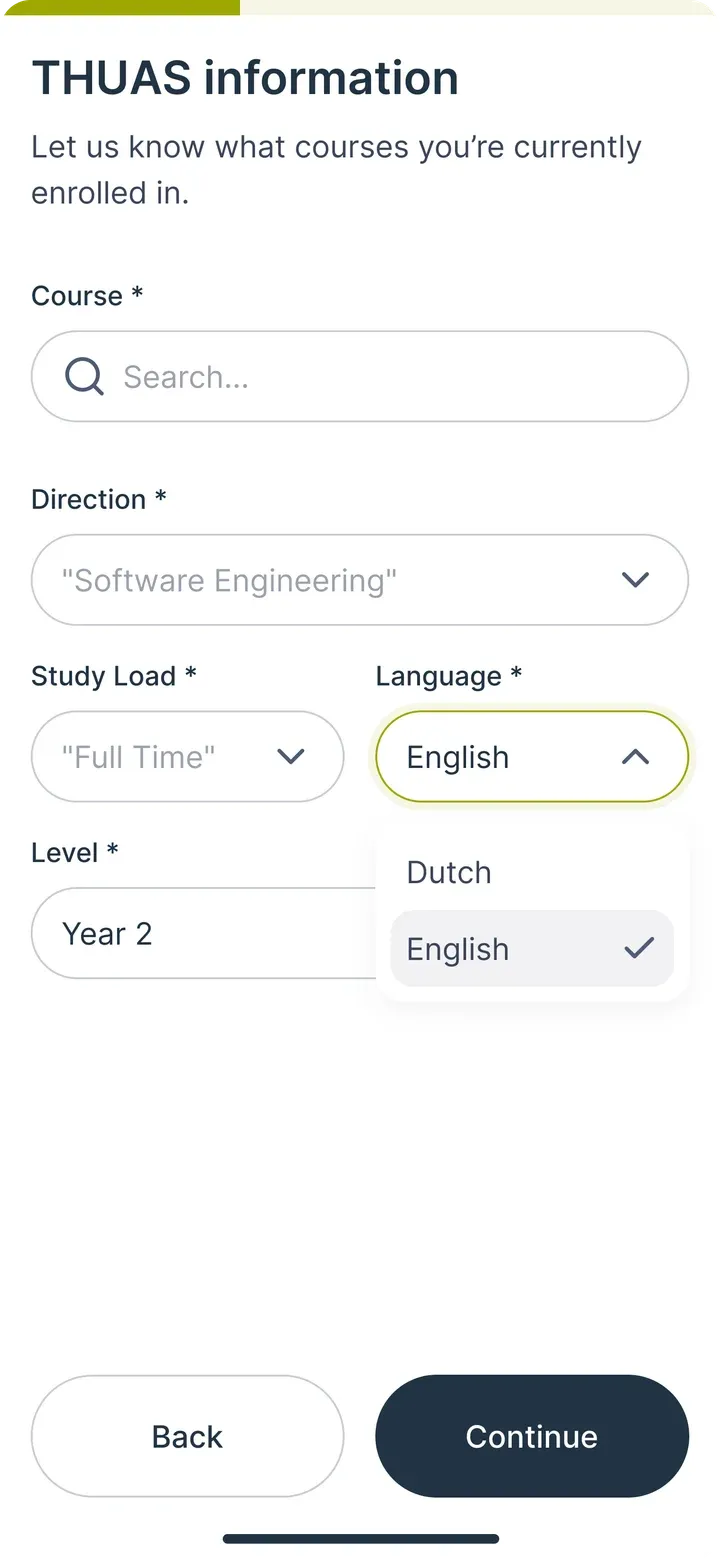
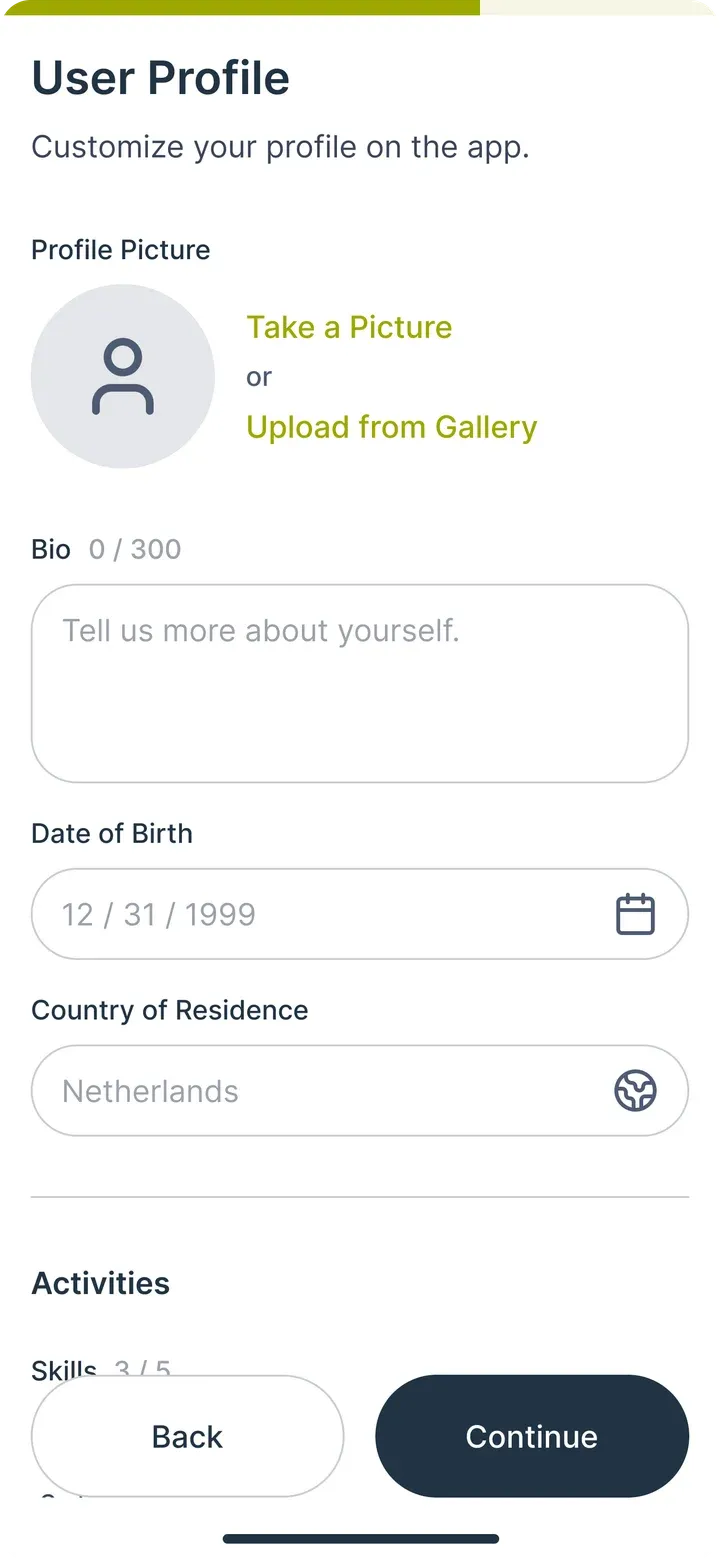
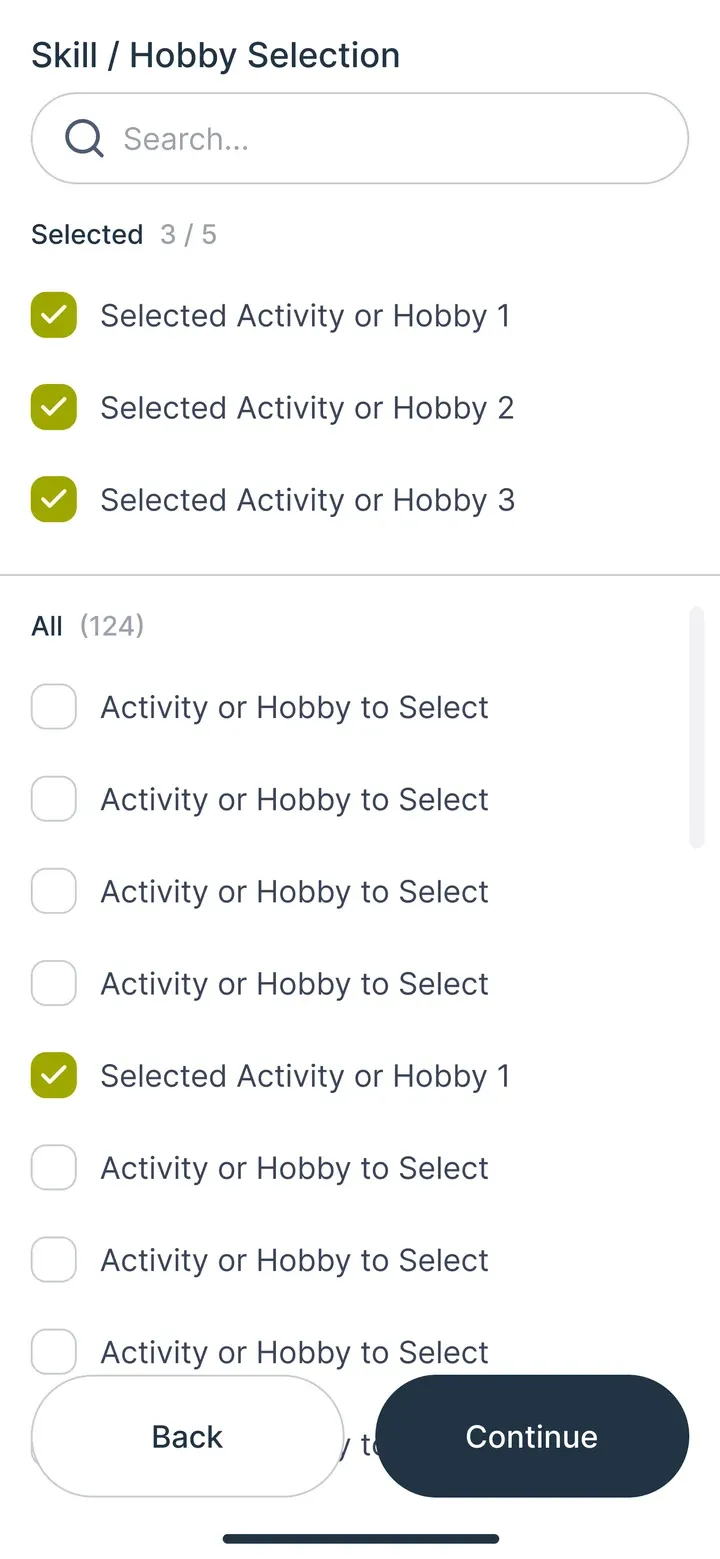
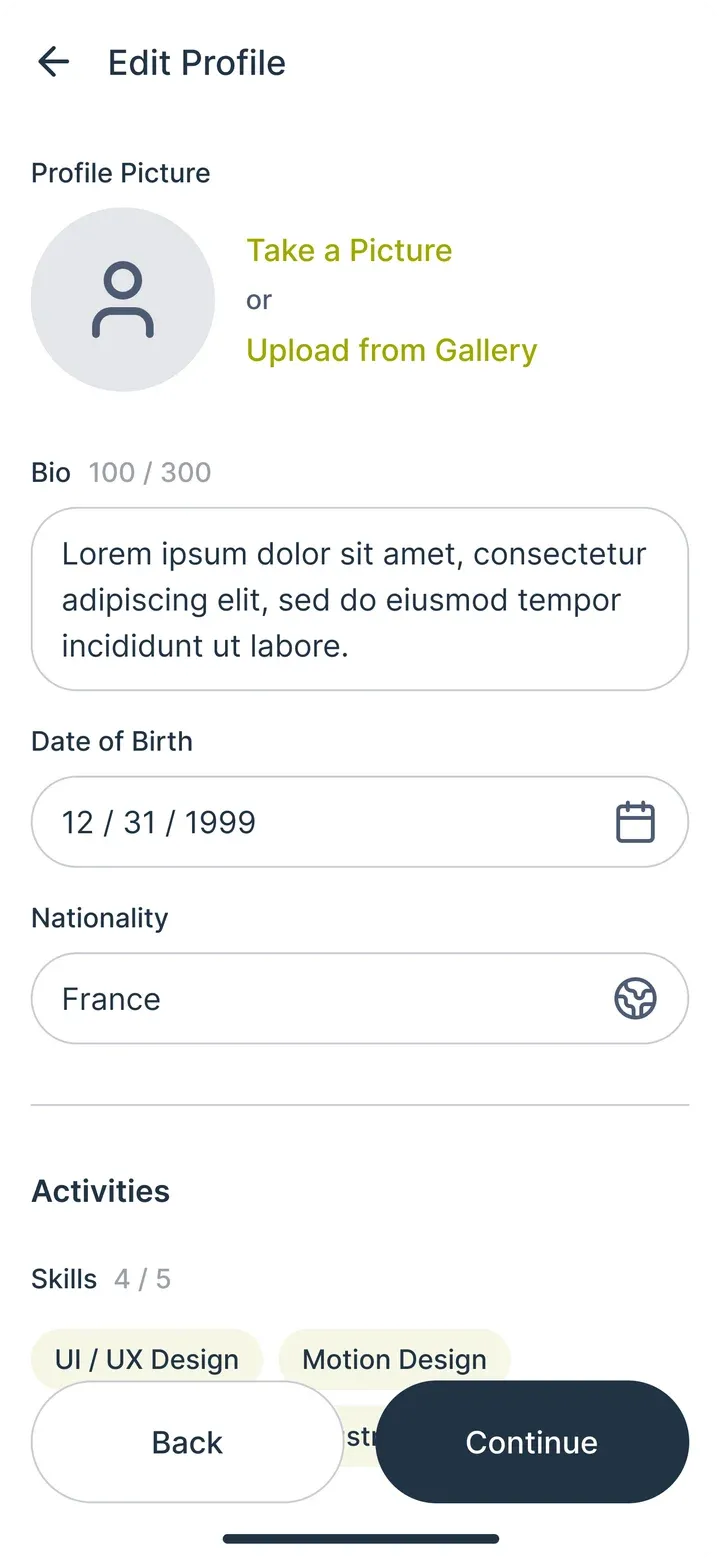
Sign in with the university account, pick courses, fill in a profile.

  1. Onboarding, step 1: SplashSplash
  2. Onboarding, step 2: Sign inSign in
  3. Onboarding, step 3: CoursesCourses
  4. Onboarding, step 4: ProfileProfile
  5. Onboarding, step 5: Skills and hobbiesSkills and hobbies
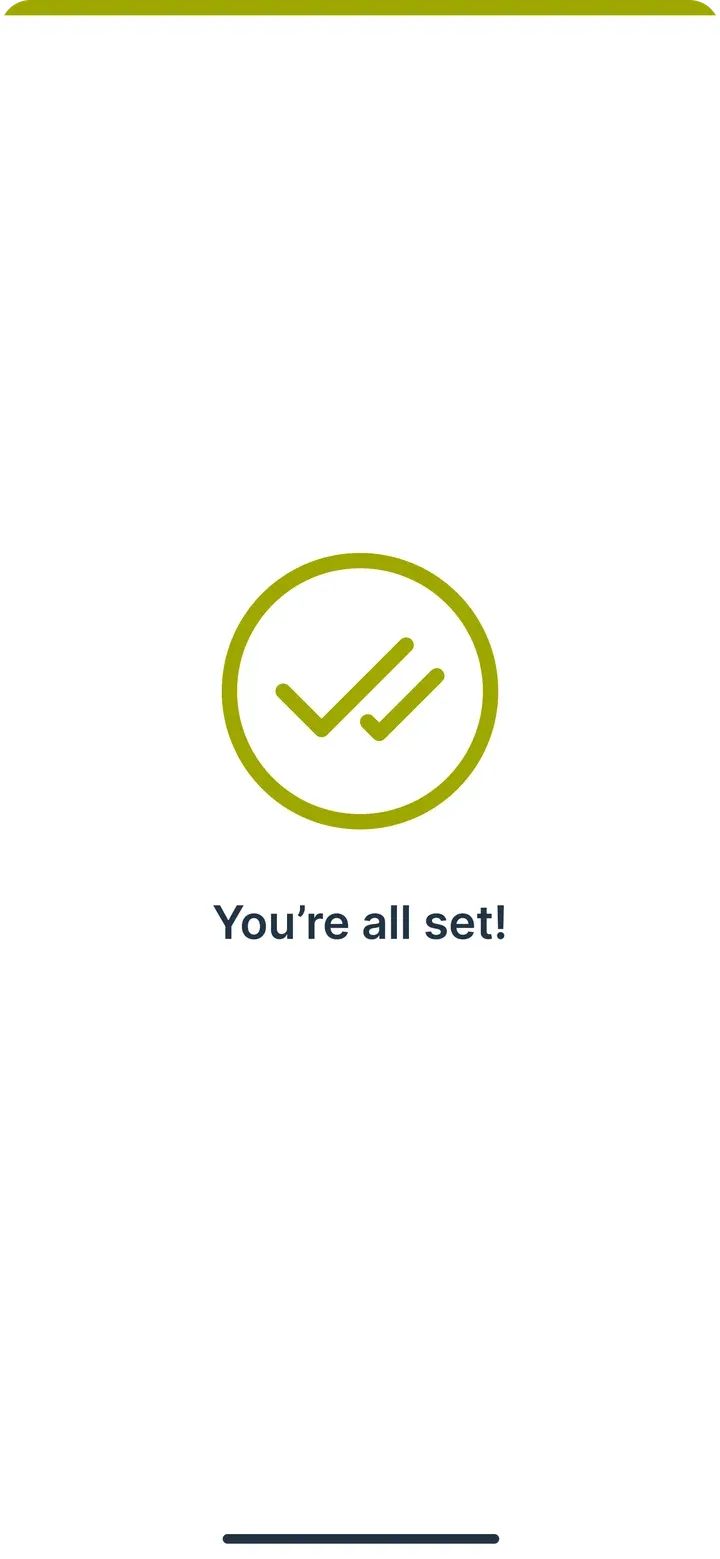
  6. Onboarding, step 6: DoneDone

Events

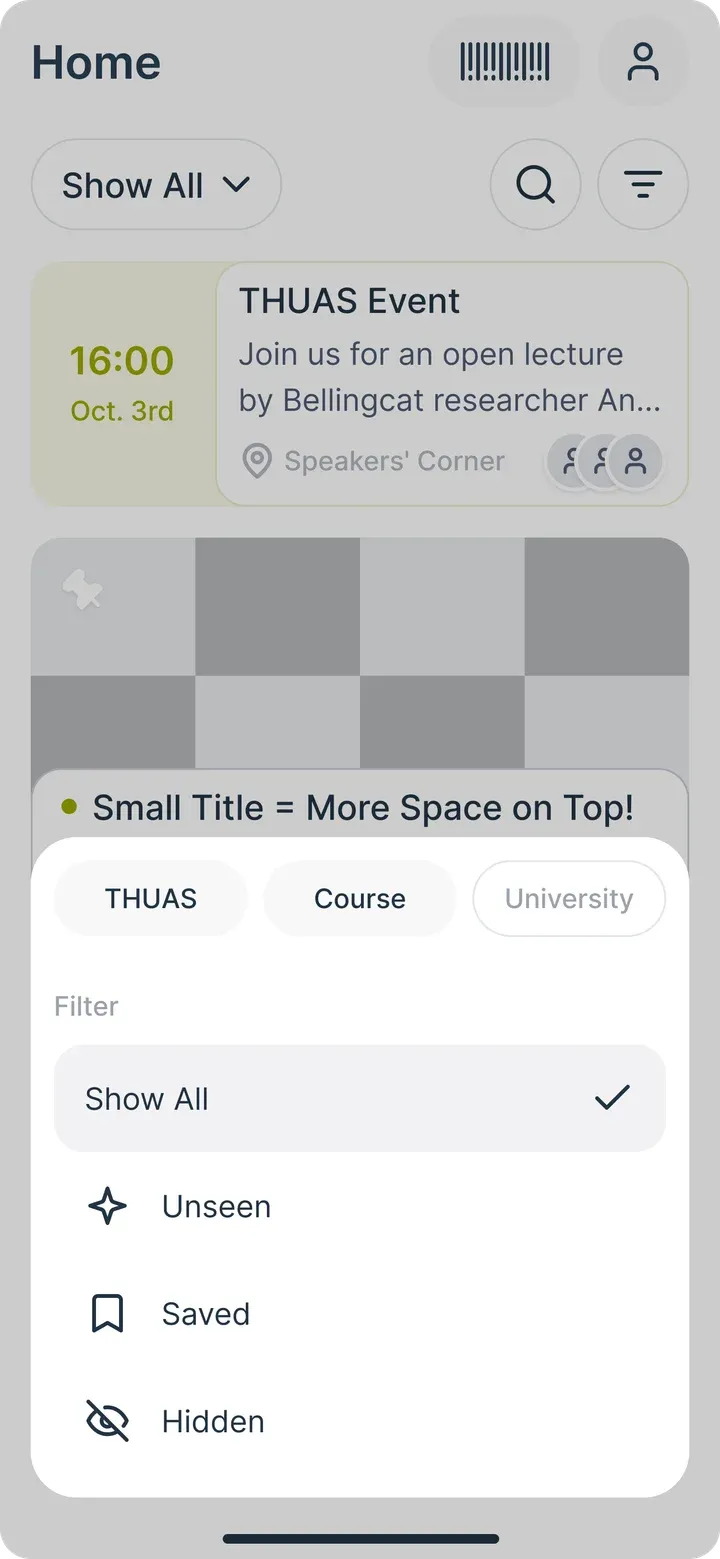
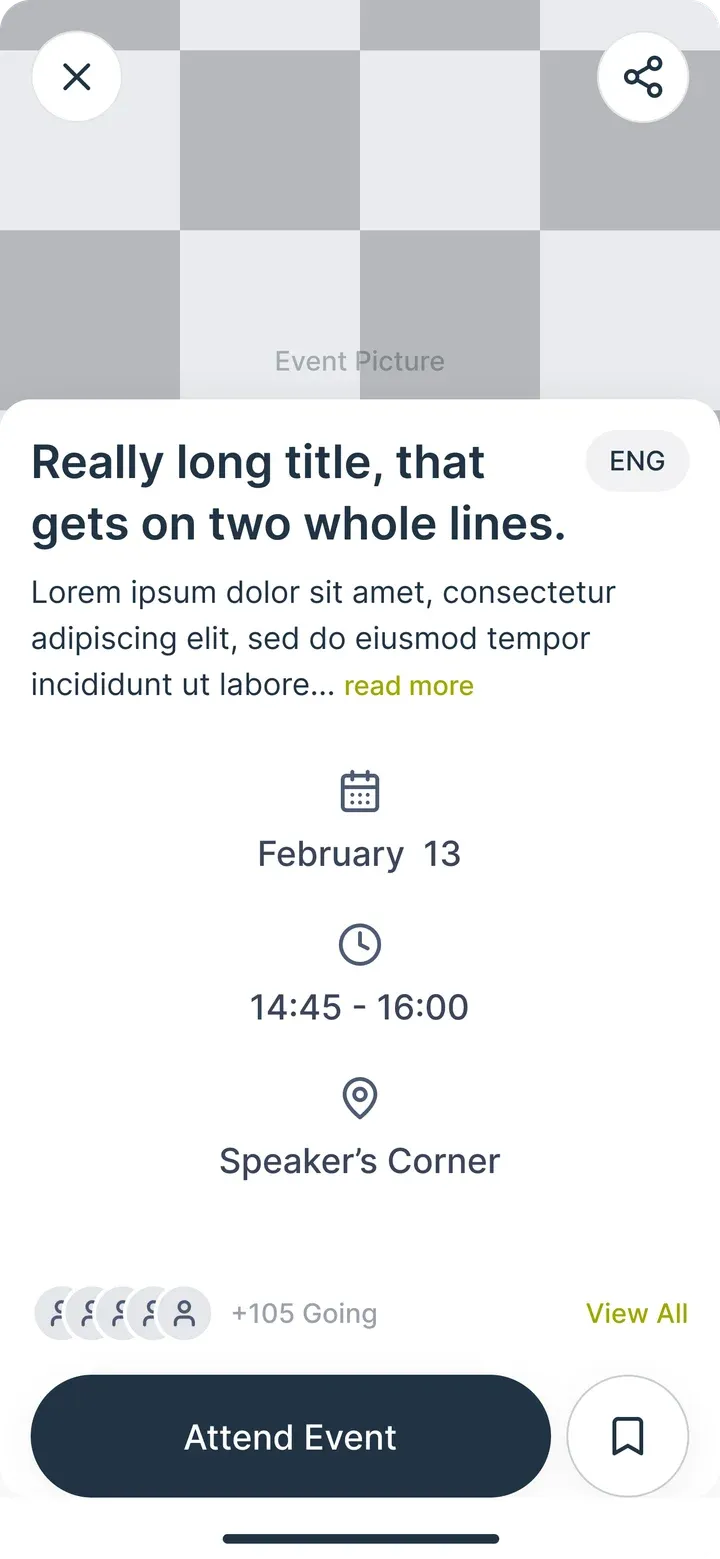
Find what is on, filter it, see who is going.
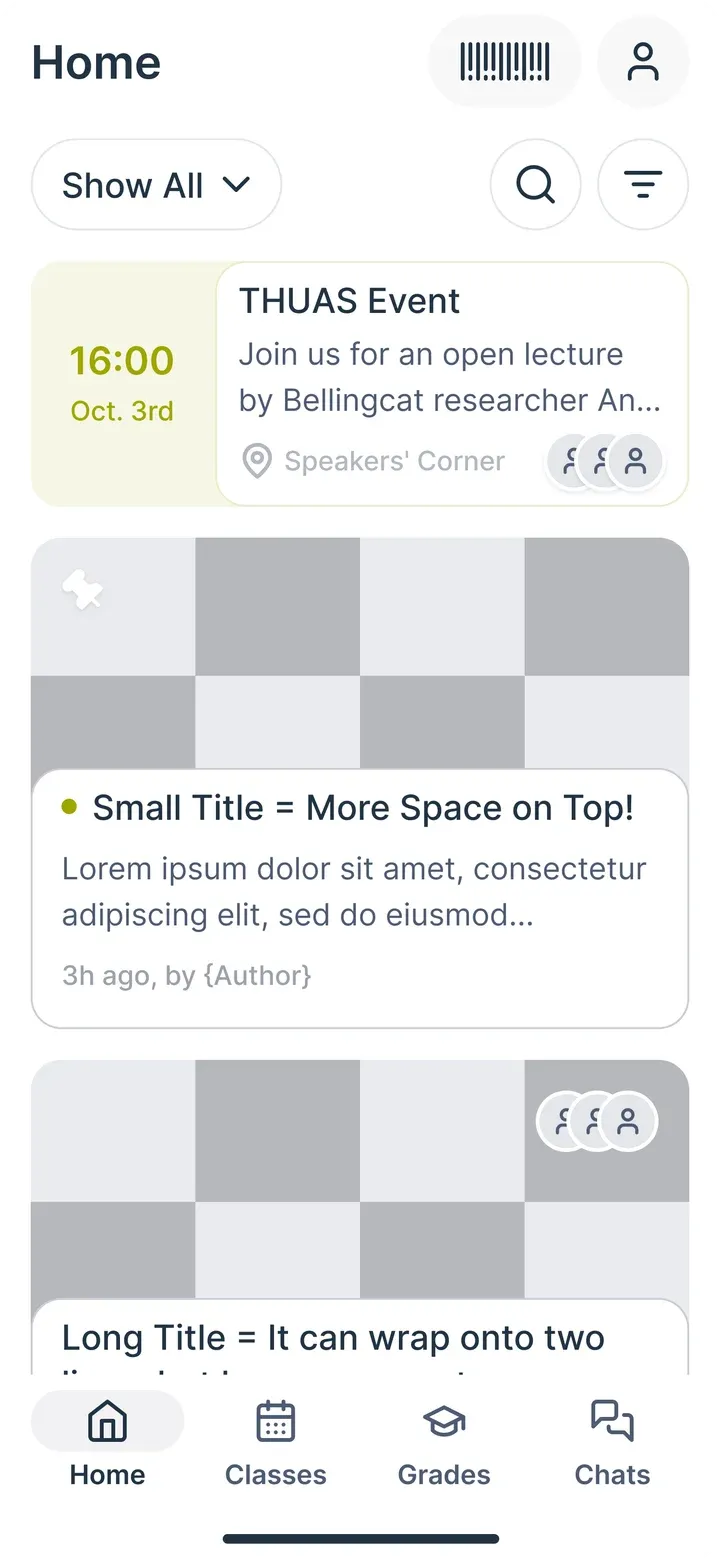
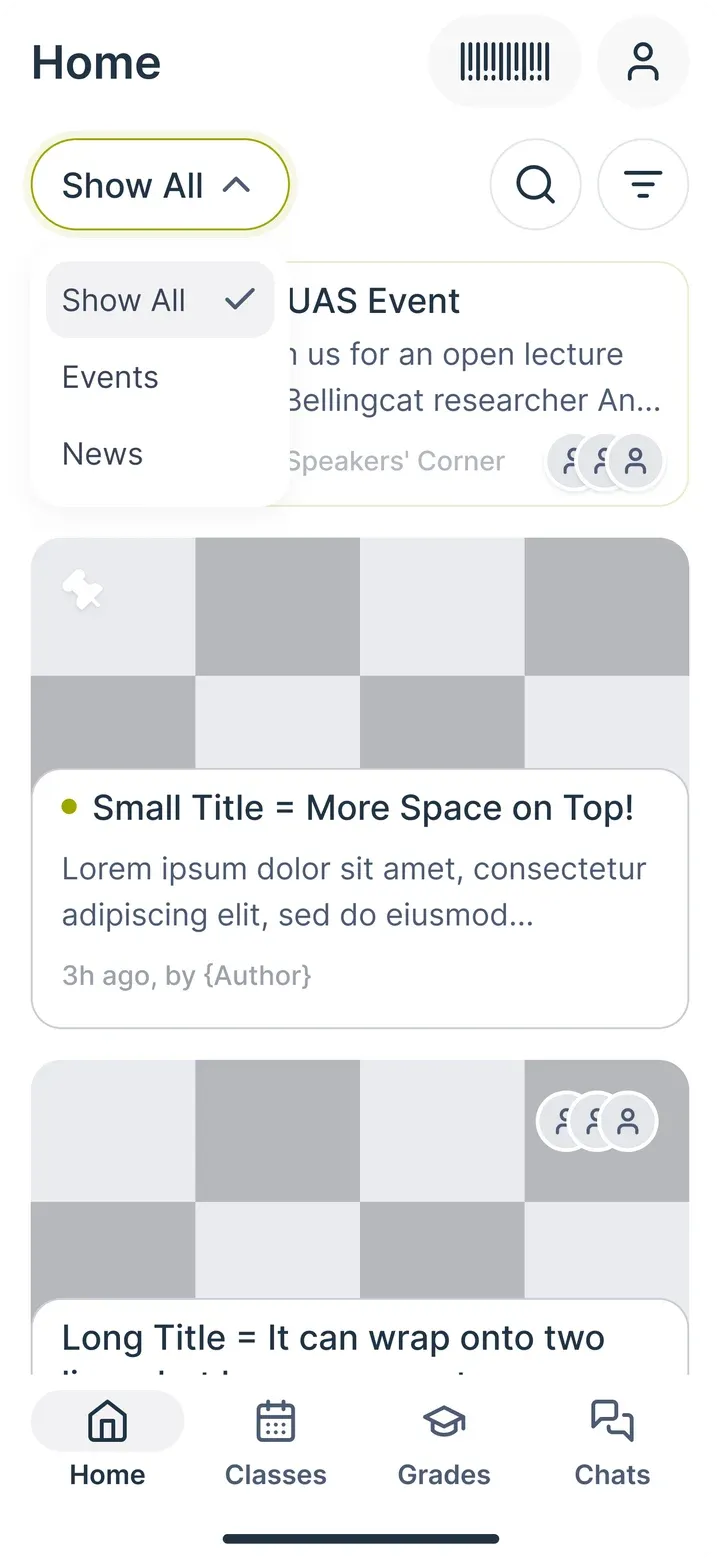
  1. Events, step 1: HomeHome
  2. Events, step 2: CategoriesCategories
  3. Events, step 3: FilterFilter
  4. Events, step 4: EventEvent
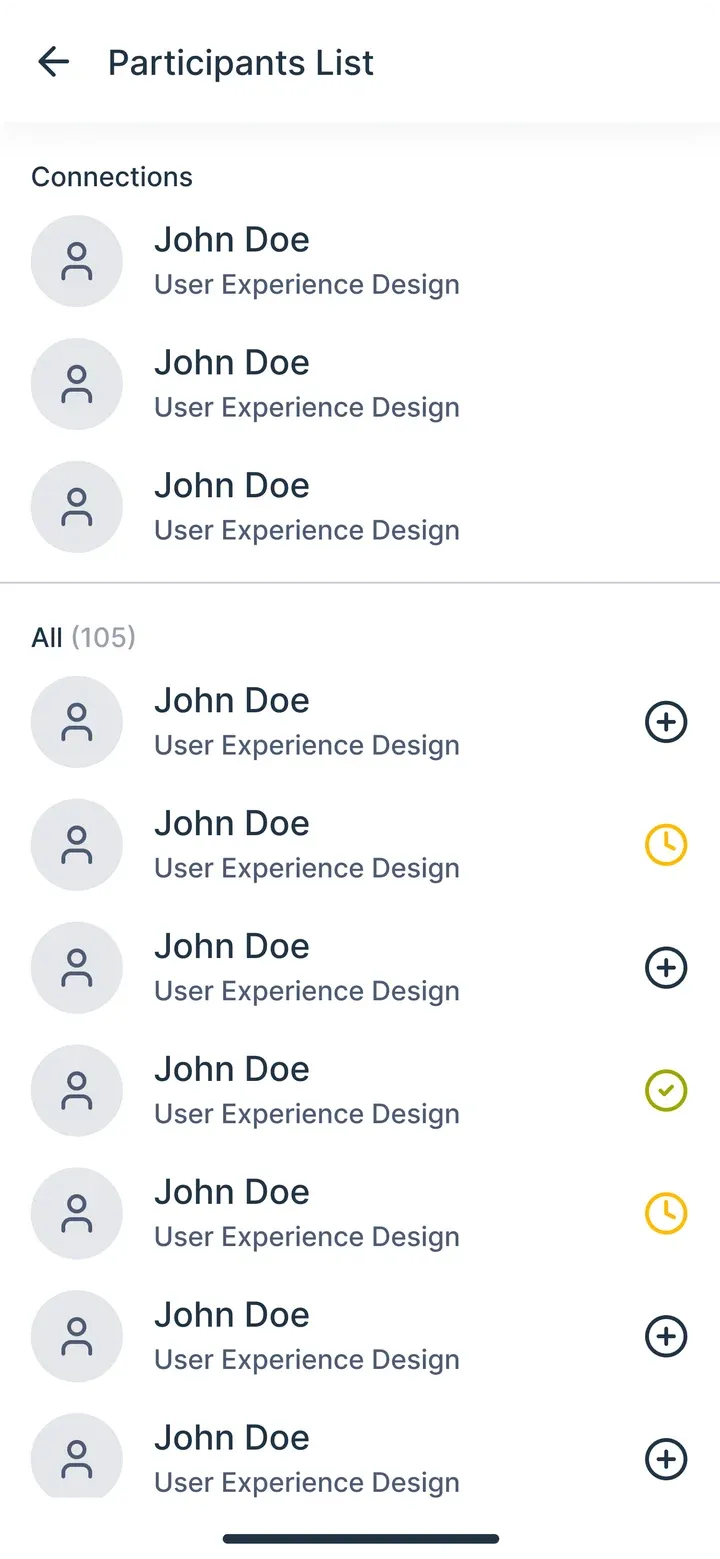
  5. Events, step 5: Who is goingWho is going

Classes and grades

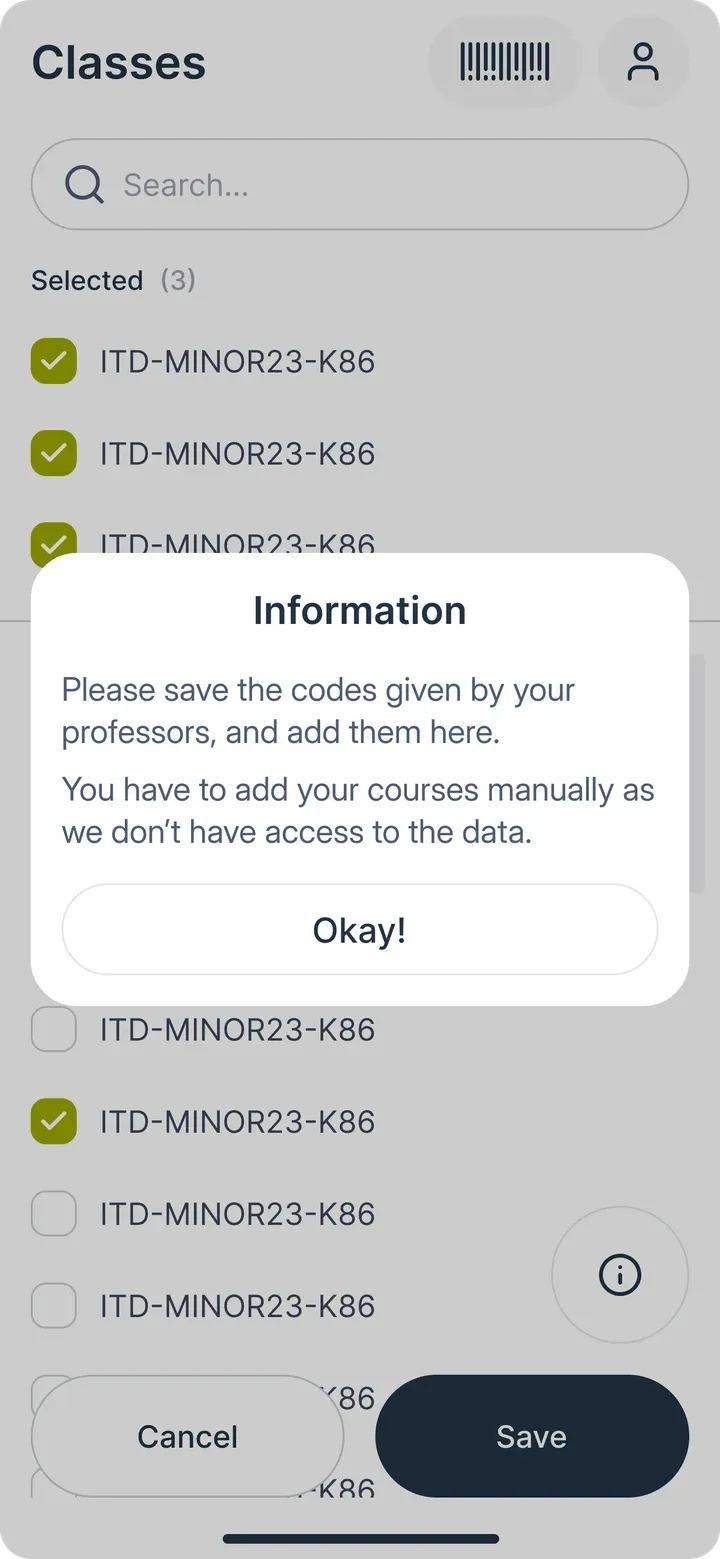
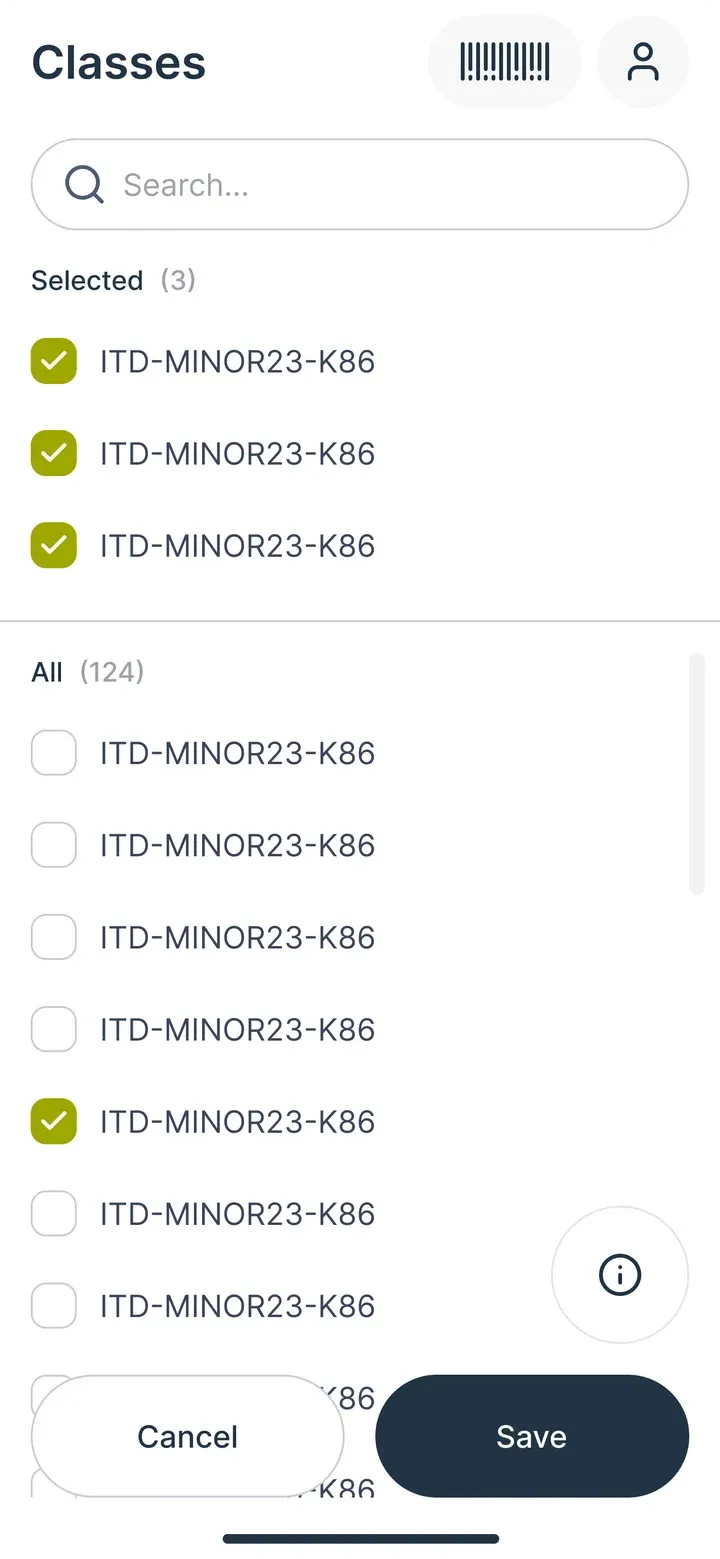
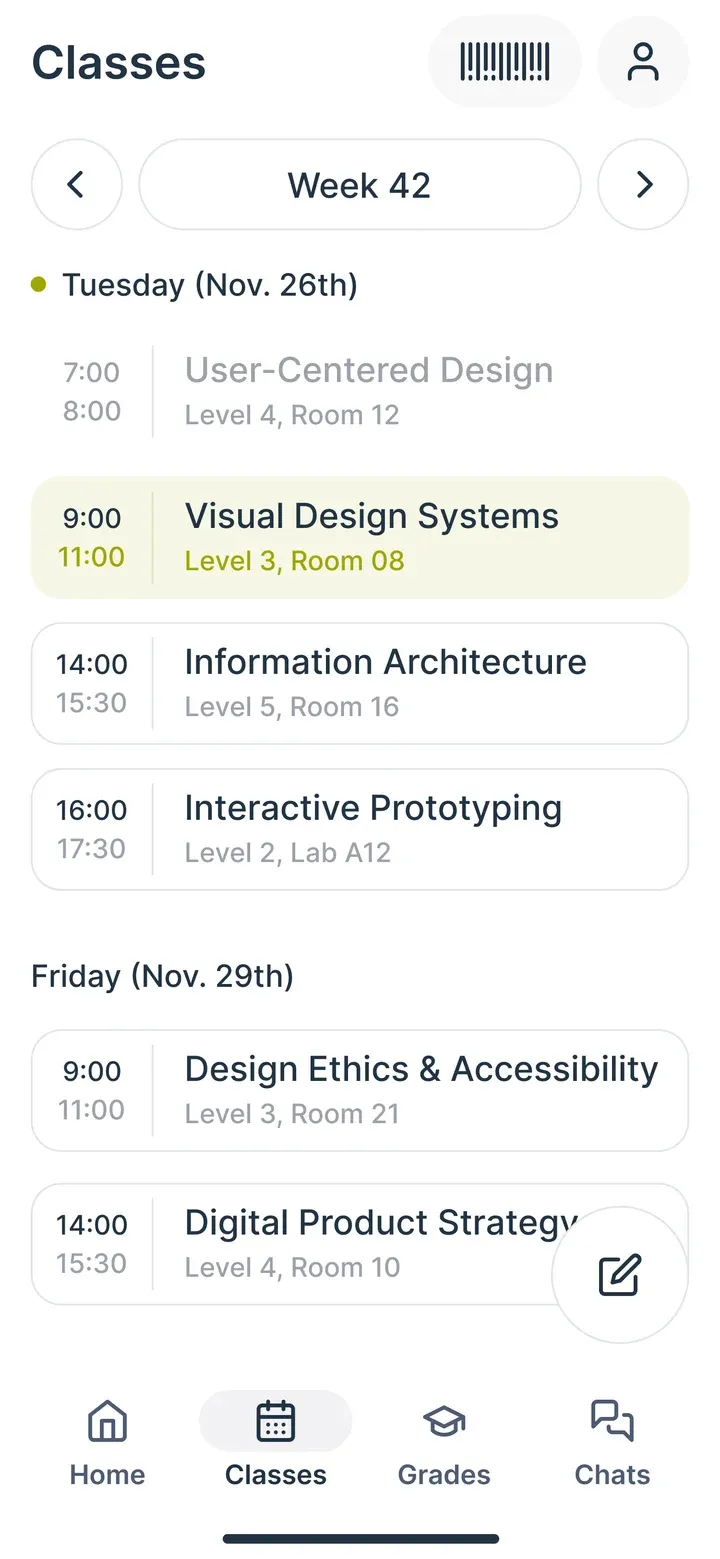
Add course codes once. The week and the grades follow.
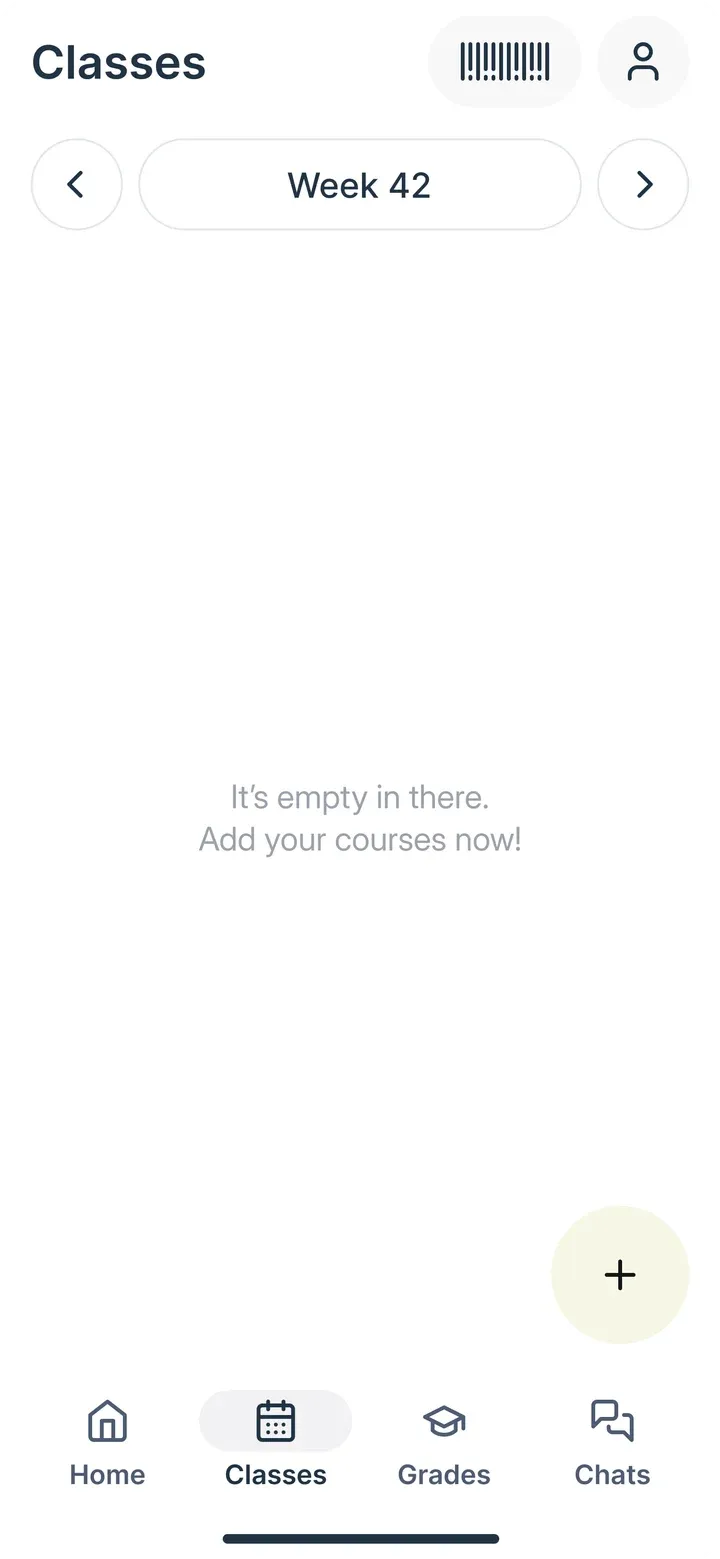
  1. Classes and grades, step 1: EmptyEmpty
  2. Classes and grades, step 2: HelpHelp
  3. Classes and grades, step 3: Add coursesAdd courses
  4. Classes and grades, step 4: WeekWeek
  5. Classes and grades, step 5: GradesGrades

Chats

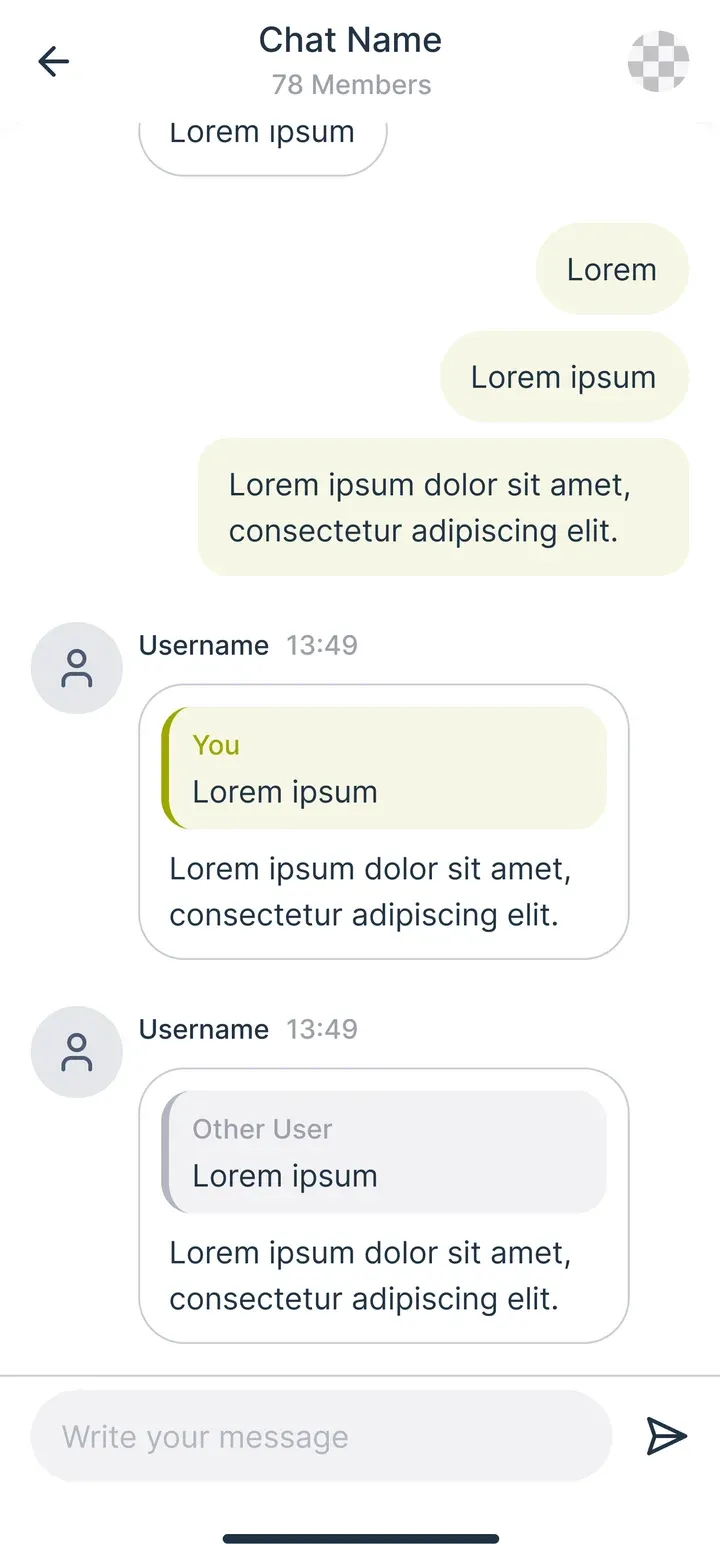
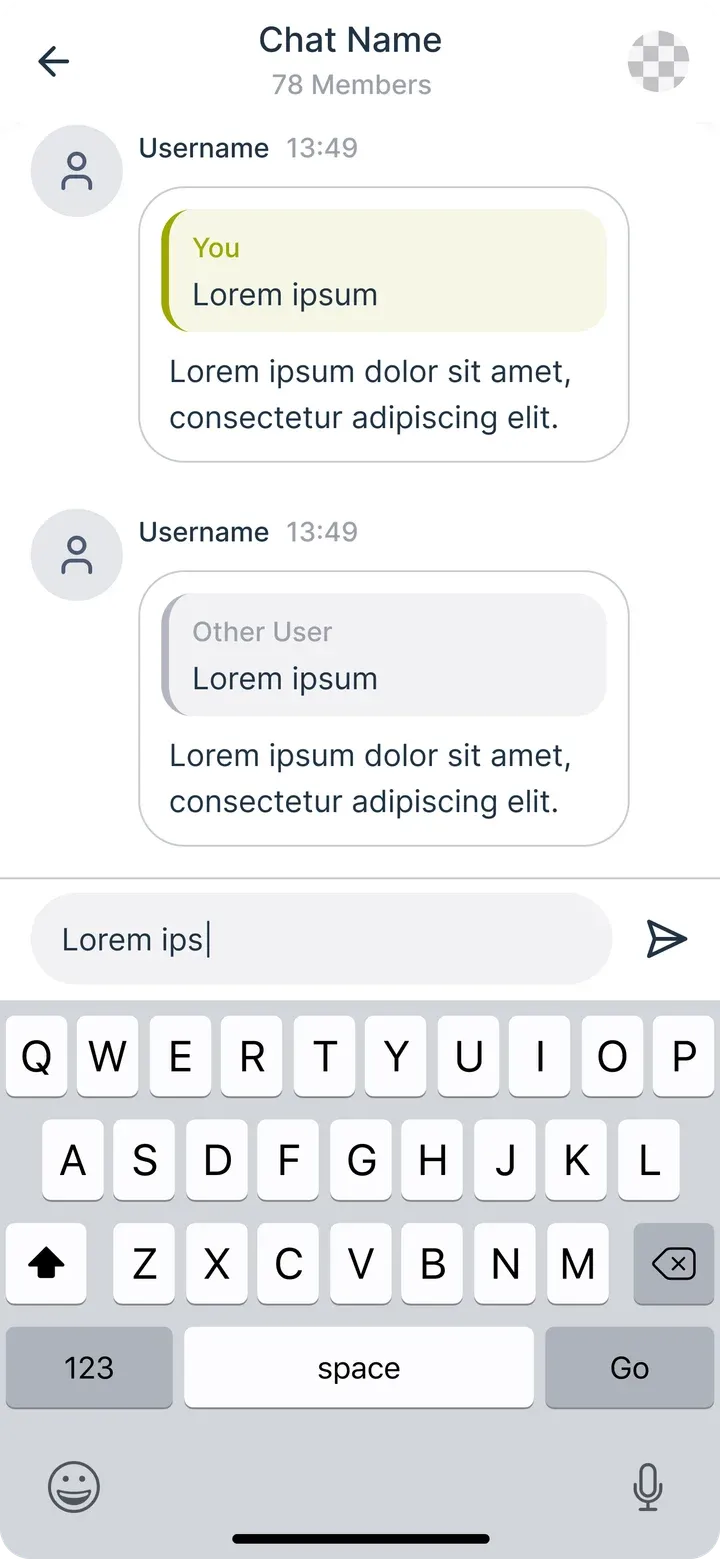
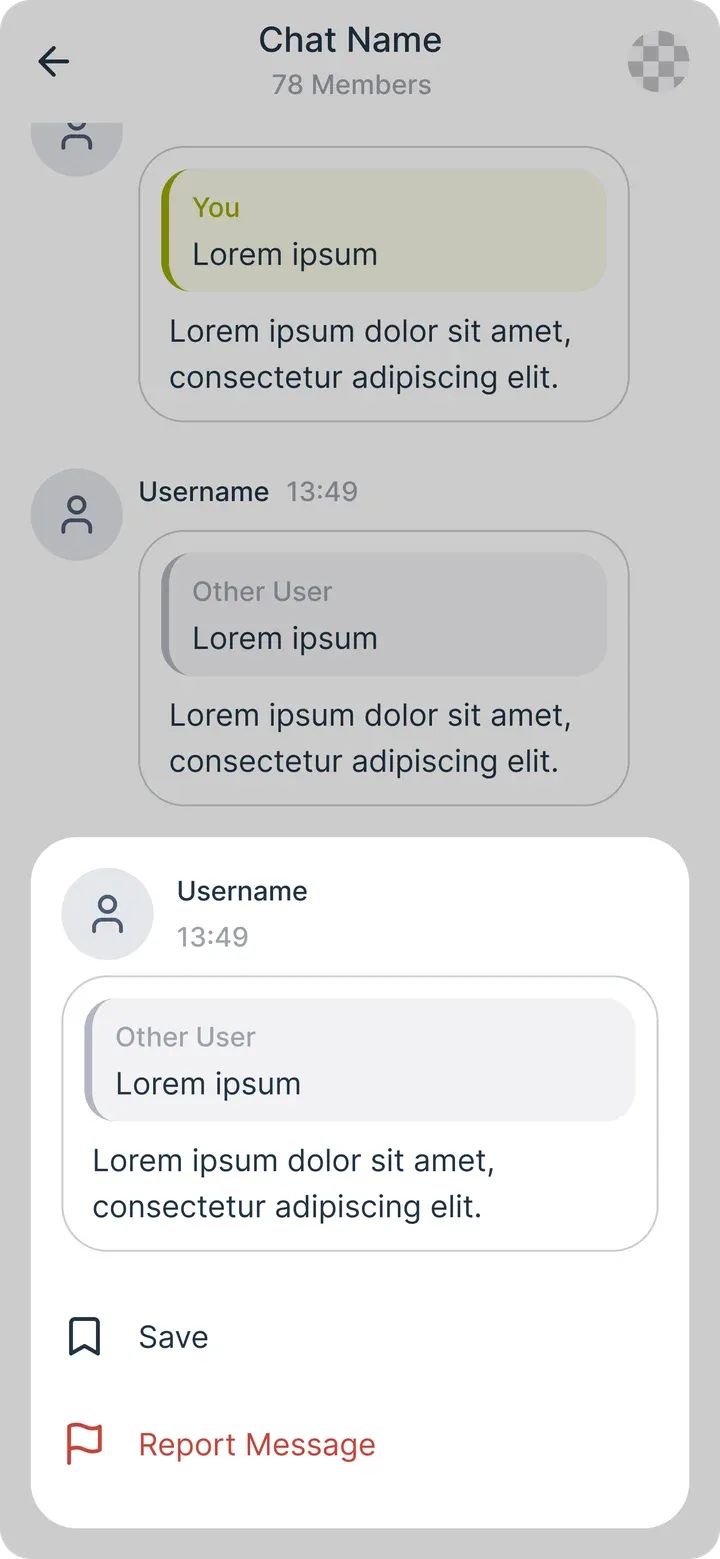
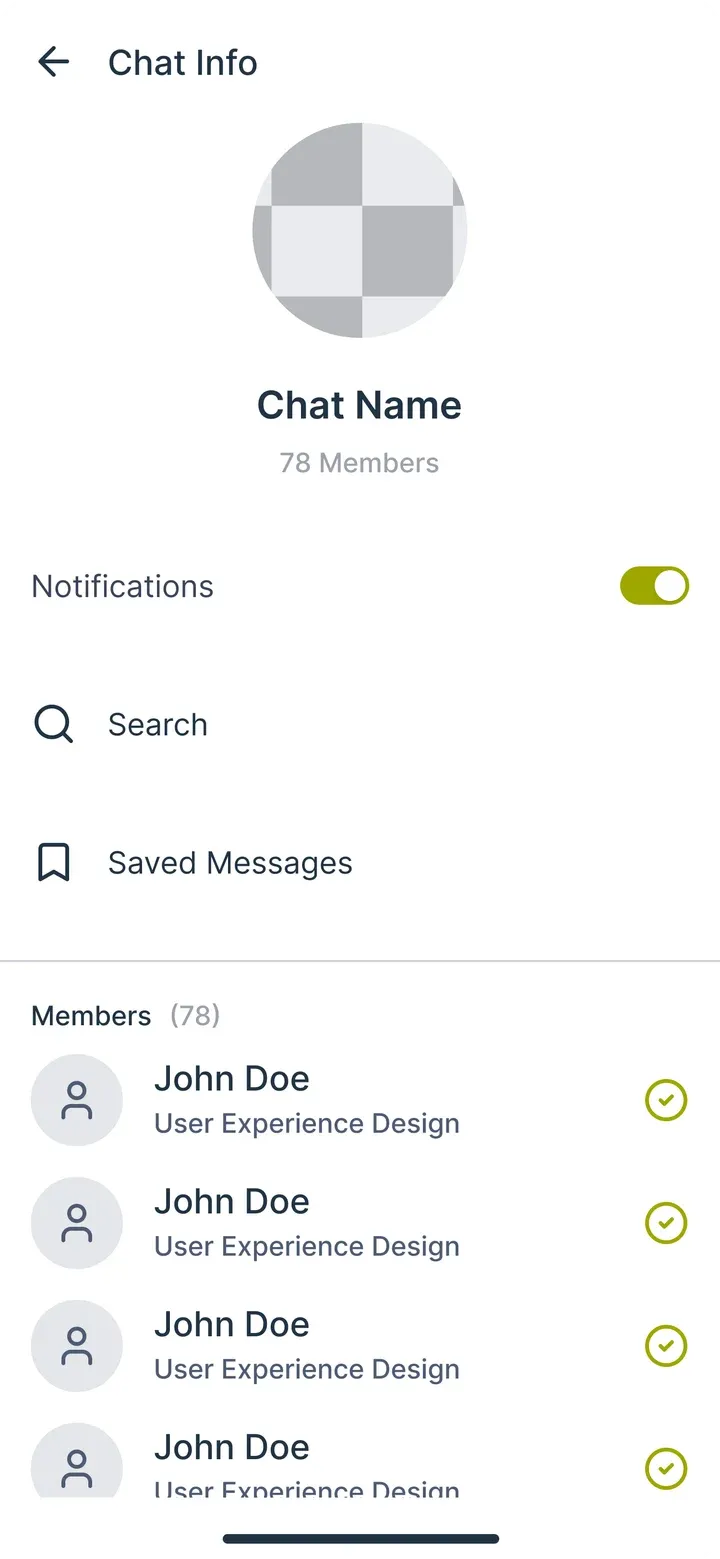
One chat per class and per year, with replies and saved messages.
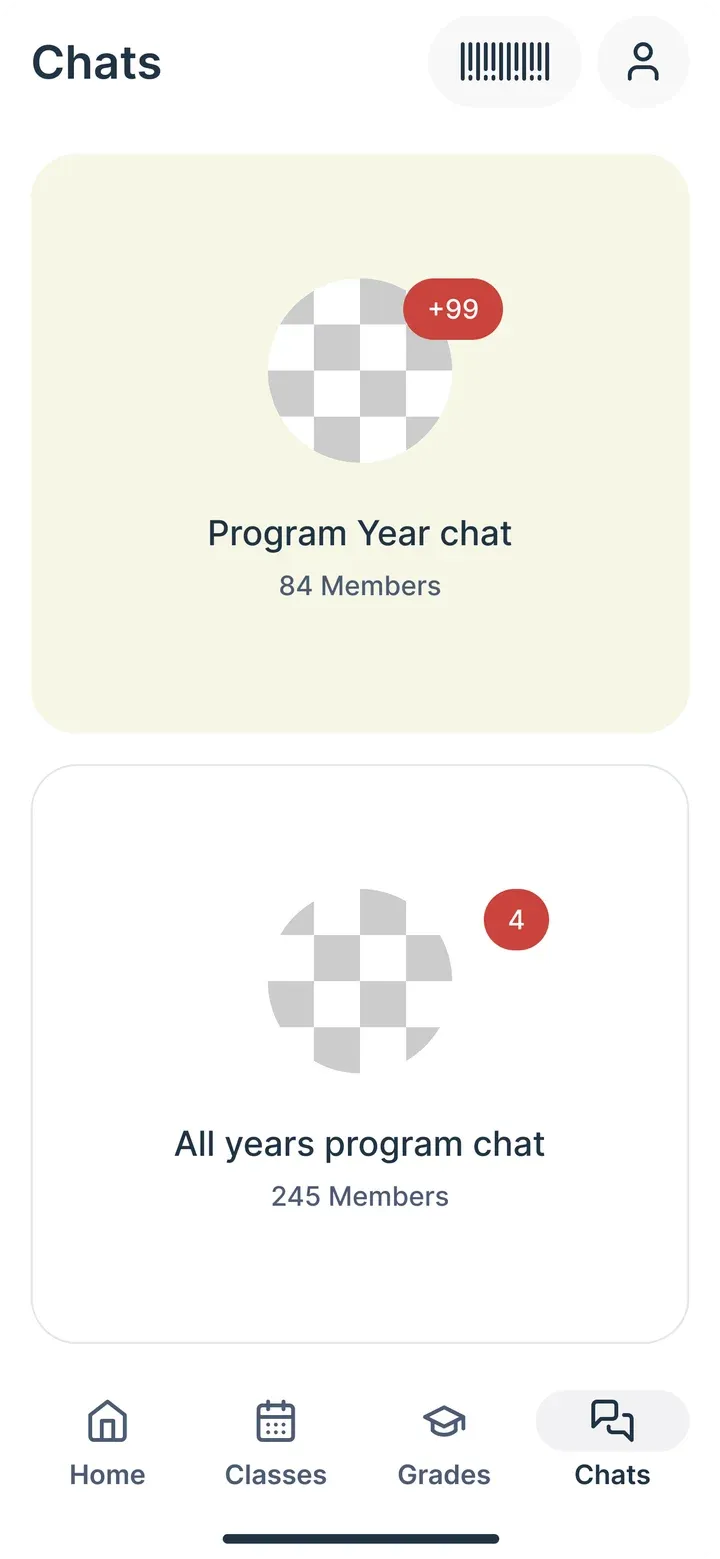
  1. Chats, step 1: ChatsChats
  2. Chats, step 2: ChatChat
  3. Chats, step 3: ReplyReply
  4. Chats, step 4: Message actionsMessage actions
  5. Chats, step 5: InfoInfo

Profile

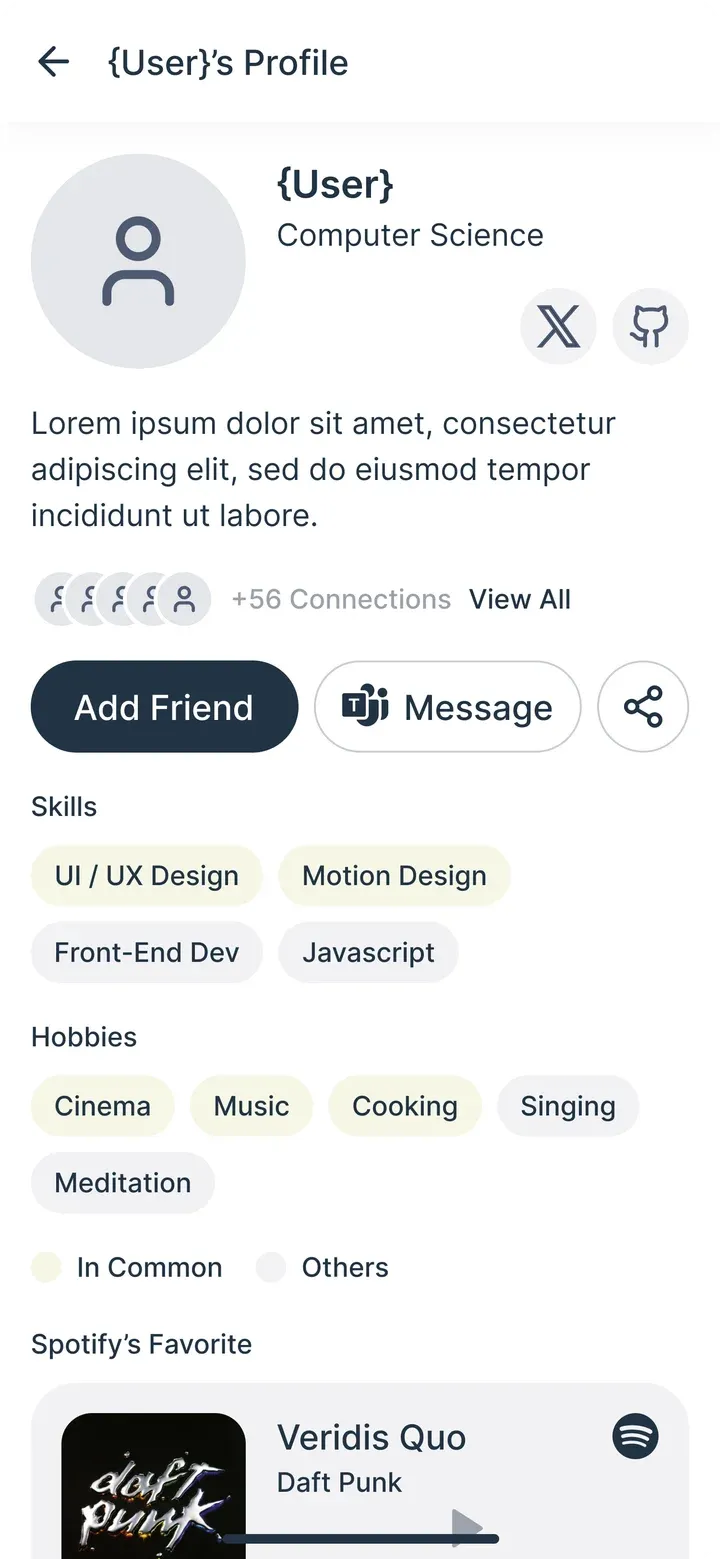
Skills, hobbies and a favorite song, so students can find each other.
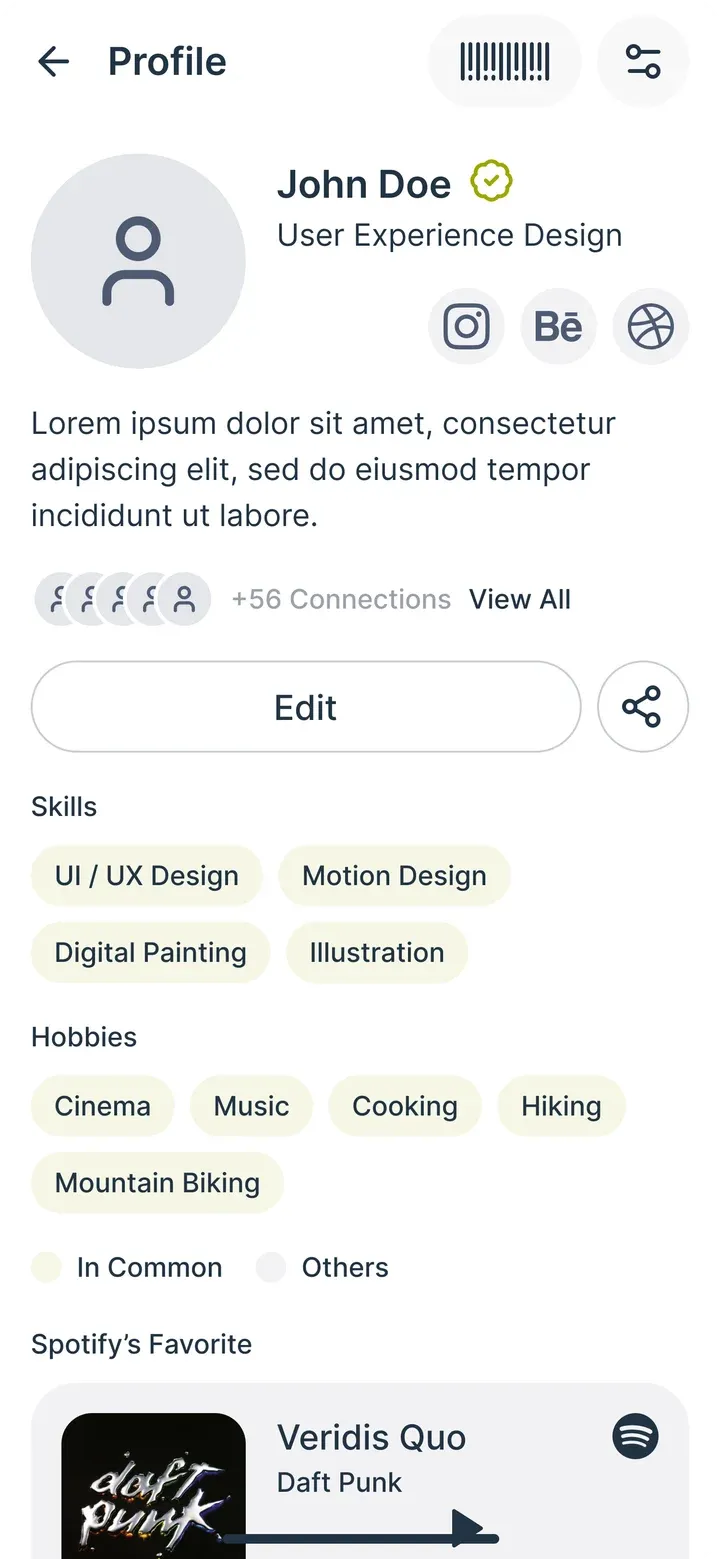
  1. Profile, step 1: ProfileProfile
  2. Profile, step 2: EditEdit
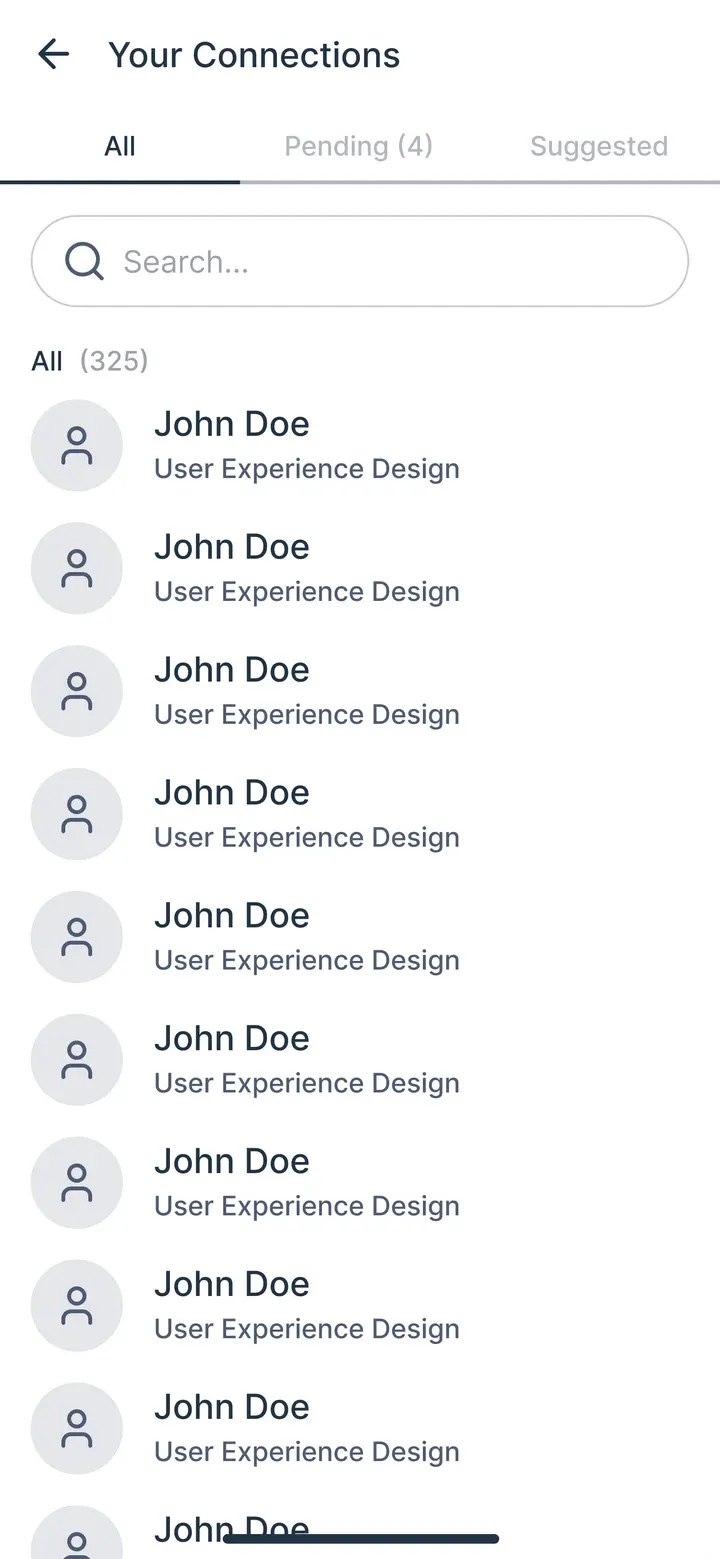
  3. Profile, step 3: ConnectionsConnections
  4. Profile, step 4: Another studentAnother student
  5. Profile, step 5: Student cardStudent card

Testing

Arina tested the prototype with students on campus, while I worked remotely.

Outcome

We had a full prototype and a complete Figma file. The project then slowed down in the university's decisions and never reached development. I stopped in 2024.

Back